Full DOM-accurate replays of real shopper sessions — clicks, scrolling, hesitation, everything. Captured automatically, streamed to your dashboard in near real-time, and mapped straight to that visitor's chatbot conversation.
Real page structure replayed, not just click heatmaps or dots.
Sessions stream to your dashboard in near real-time batches.
Every replay maps to that visitor's chatbot conversation automatically.
No name or email captured unless a visitor types one in on your store.
A mocked-up preview of the dashboard player — real recordings replay your actual store, pixel for pixel.
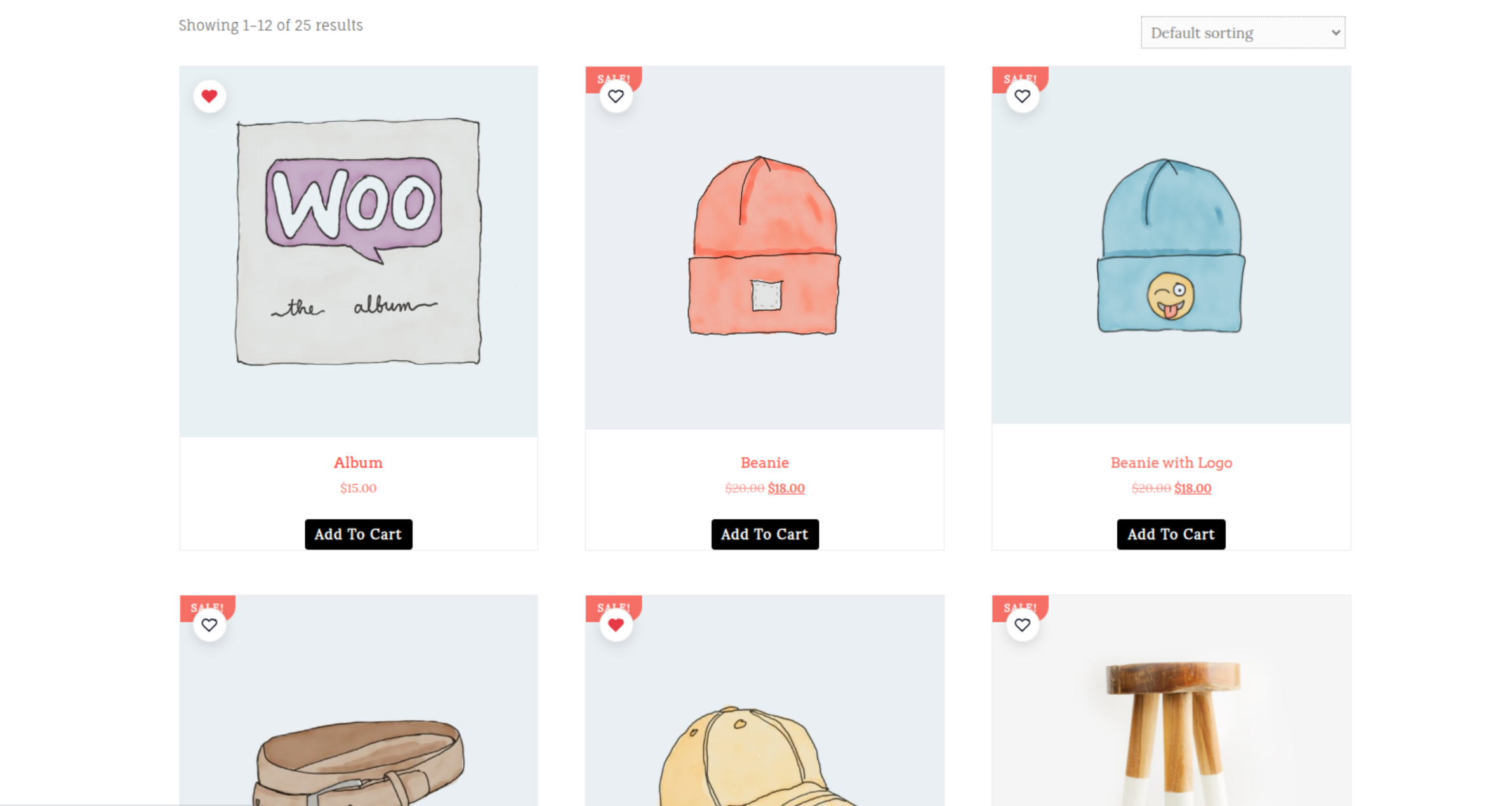
Speed controls, skip-inactive, and full-screen mode are all built into the dashboard player — no extra setup required.
Stop guessing why a checkout stalled or a feature went unused. Watch it happen.
Not a video, not a heatmap — a structural reconstruction of the actual page your visitor saw, clicked, and scrolled through, replayed at your control.
Sessions batch and upload every 10 seconds, with the critical first frame flushed immediately on page load — so recordings show up in your dashboard as visitors browse.
Recordings share a session ID with the AI shopping chatbot. Watch what a visitor did and read what they asked, side by side, without cross-referencing anything.
Sessions are anonymous by default. An email only attaches to a recording if the visitor actually types one in somewhere on your store — nothing is inferred or guessed.
The moment a visitor lands on a page, capture begins. The first meaningful frame flushes to your dashboard immediately, and every 10 seconds after that a fresh batch of clicks, scrolling, and DOM changes streams up alongside it.
Open any session from your dashboard and it reconstructs into a full, scrubbable replay — play, pause, speed up to 8x, or jump straight to the moment that matters.
No screen-recording software. No third-party tag. Just your store, replayed accurately.
Analytics tell you what happened in aggregate. Session recordings show you exactly what happened to one real visitor — which is usually all it takes to find the fix.
The full DOM — page structure, clicks, scrolling, mouse movement, and form input events — reconstructed and replayed exactly as the visitor saw it. It's not a video file and not a click-heatmap; it's a real structural replay of the page.
No. Session recordings capture on-page interaction structure, not raw keystroke content, and never touch payment fields — those are handled entirely by WooCommerce and your payment gateway, off-page from anything we record.
Every recording and every chatbot conversation share the same underlying visitor session ID. Open a recording and you can see the exact chat transcript for that visit alongside it — no separate lookup needed.
No. Capture runs entirely client-side and batches events for upload every 10 seconds (plus once more on page exit), so it never blocks page rendering or checkout.
In your Get Recommendor dashboard under Session Recordings. Pick a visitor from the list and it opens straight into a full replay player with playback speed controls and session details alongside it.
Enable "Behavioral Tracking for ML" in your WooCommerce plugin settings. Recording starts immediately for new visits — no theme edits or extra scripts to install.
Turn on session recordings and see exactly how shoppers experience your store — no third-party replay vendor required.